See my balance
- On the Home screen: « My points balance », at the top.
- In the Gifts tab: « My current balance ».
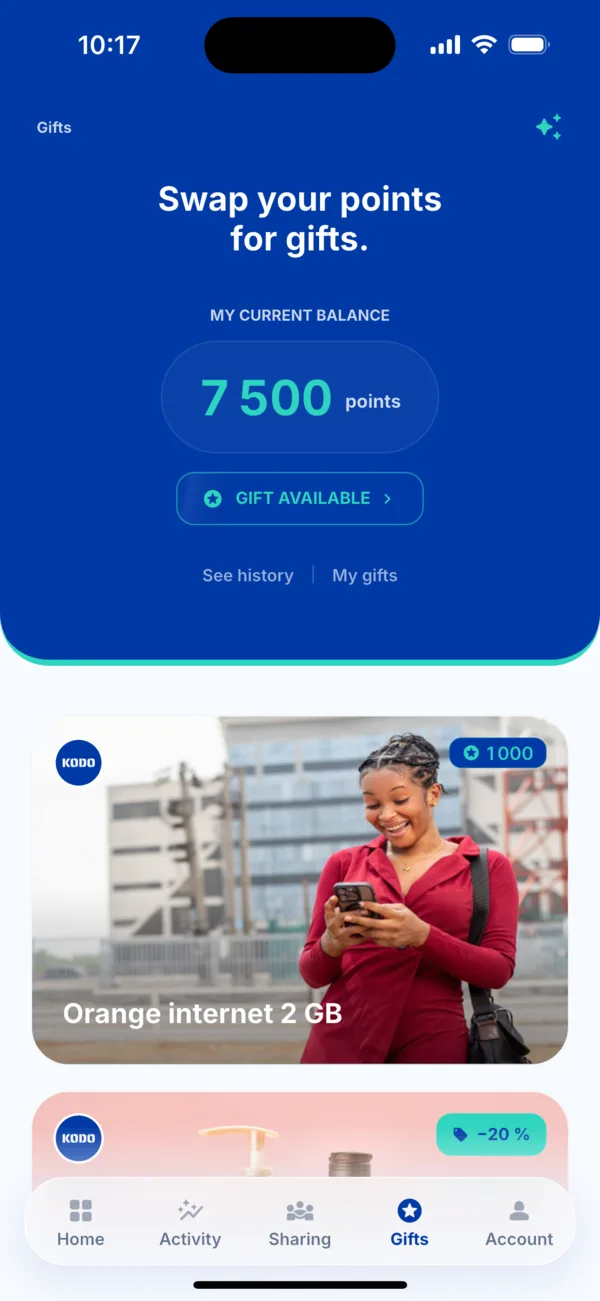 The balance in the Gifts tab
See the history
- Open the Gifts tab.
- Tap « See history », under your balance.
- Browse your points earned and spent. With no movement, the screen says « Your points earned and spent will appear here ».
Find the points from a payment
In Activity, open the payment: the « Points earned » line shows what it earned you.
If a balance looks wrong
First check the payment's status: points are added only when it is « Delivered ». Otherwise, write to us with the payment reference.