Steps
-
Open the Sharing tab and tap « Offer ».
-
Choose the loved one in « Who is it for? ». You can add one with « Add a loved one ».
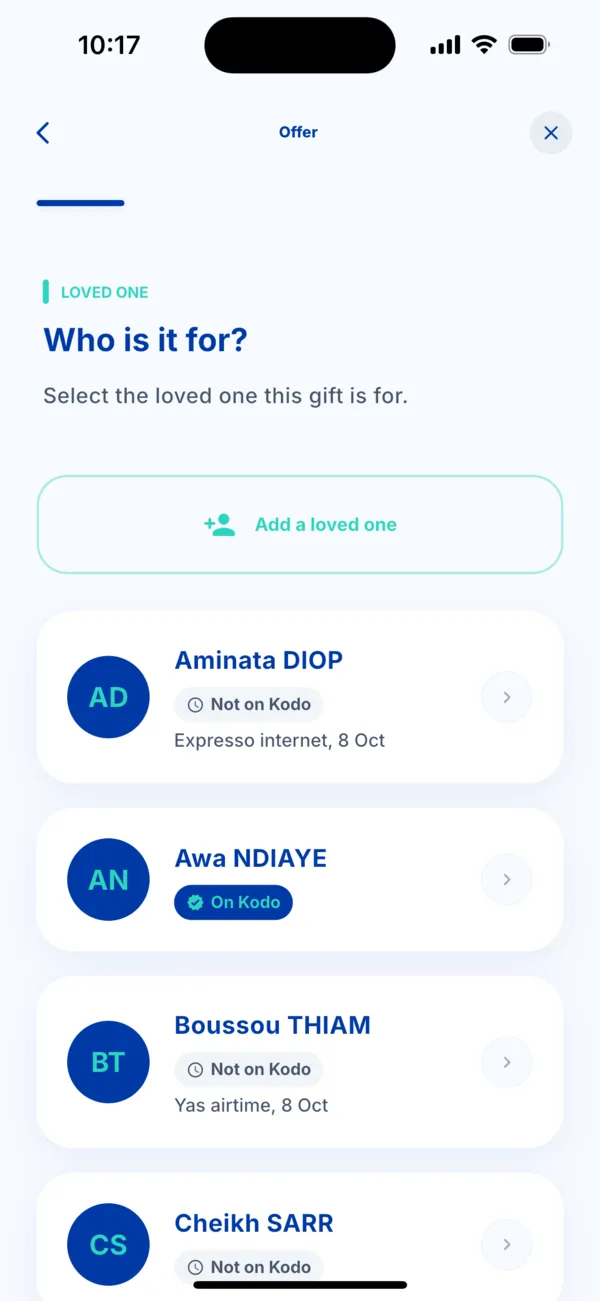 Choose the loved one to give to
 -
Choose the service: Woyofal, Airtime, Internet or Bundles.
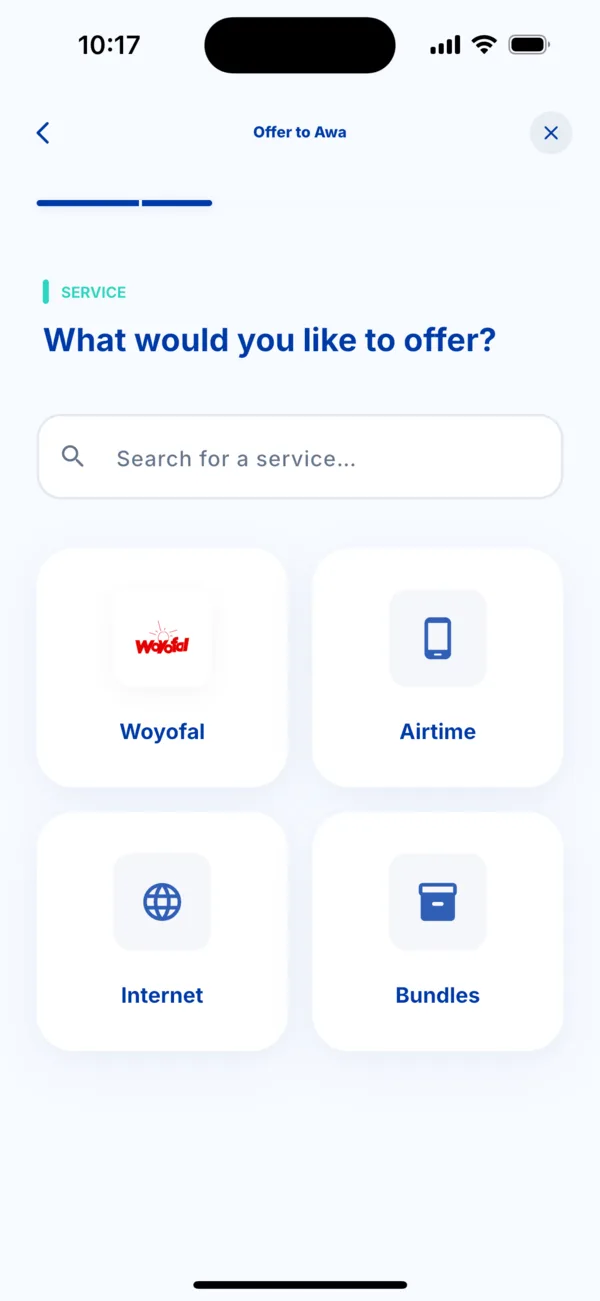 Choose what you give
 -
Enter your loved one's number or meter, then the offer or the amount.
-
Choose how to pay, check the summary, then tap Pay. You are the one who pays.
-
Tell your loved one. Tap « Let them know on WhatsApp »: a message opens in your WhatsApp, and you send it yourself.
What your loved one sees
If your loved one has Kodo, they get a notification « You received a gift from… » and can say thanks. The service is delivered to their number or meter.
Find what you gave
In Activity, the transaction carries the mention « Given to » followed by your loved one's name.