Before you delete
Deletion is final. Your unused points will be lost and you will no longer be able to sign in with this account.
What is erased
- Your name, date of birth, gender, address and location.
- Your phone number and photo.
- Your loved ones, saved meters and numbers.
- Your wallet, your secret code and Face ID.
- Your notifications and preferences.
What Kodo keeps
Your transactions, payments and points movements, without your identity: the law requires Kodo to keep its accounting records.
Steps
-
Open the Account tab and scroll to the bottom.
-
Tap « Delete my account » (in red).
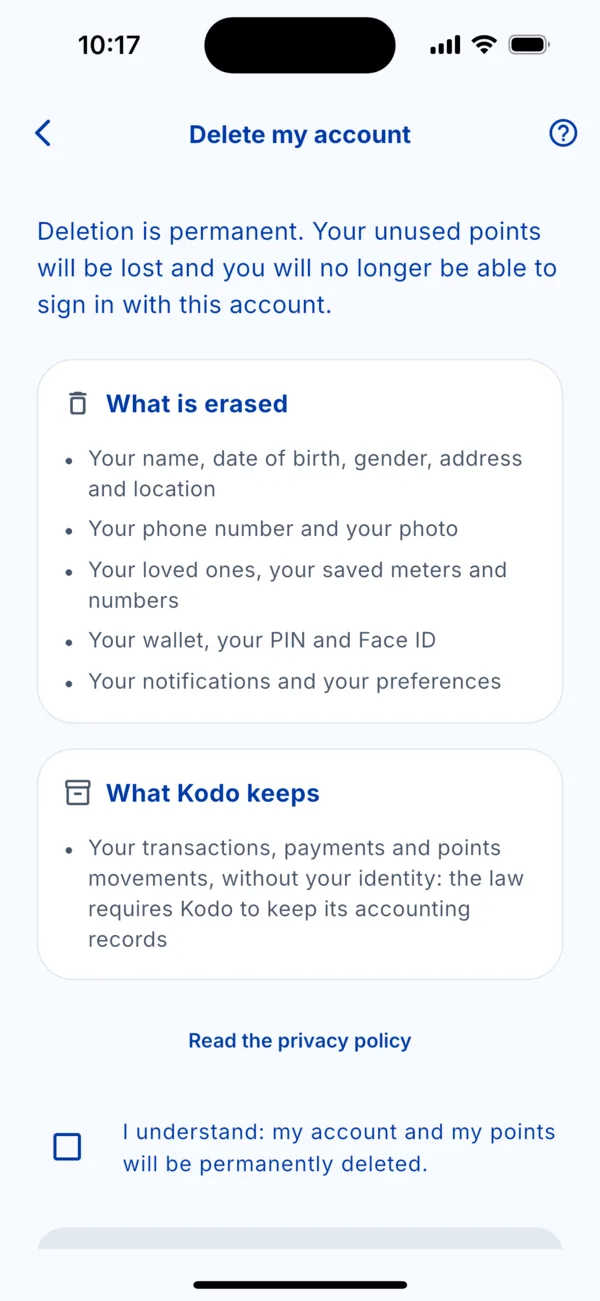 The « Delete my account » screen
 -
Read the screen, then tick « I understand: my account and my points will be deleted permanently. »
-
Follow the confirmation steps shown on screen.
Before you go
- Use your points in the Gifts tab: they cannot be recovered.
- Keep your receipts if you need them: share them from Activity.
- Just want to change number? See « Change my phone number »: no need to delete the account.