Steps
-
Open the Activity tab. At the top, your total spending and the points earned.
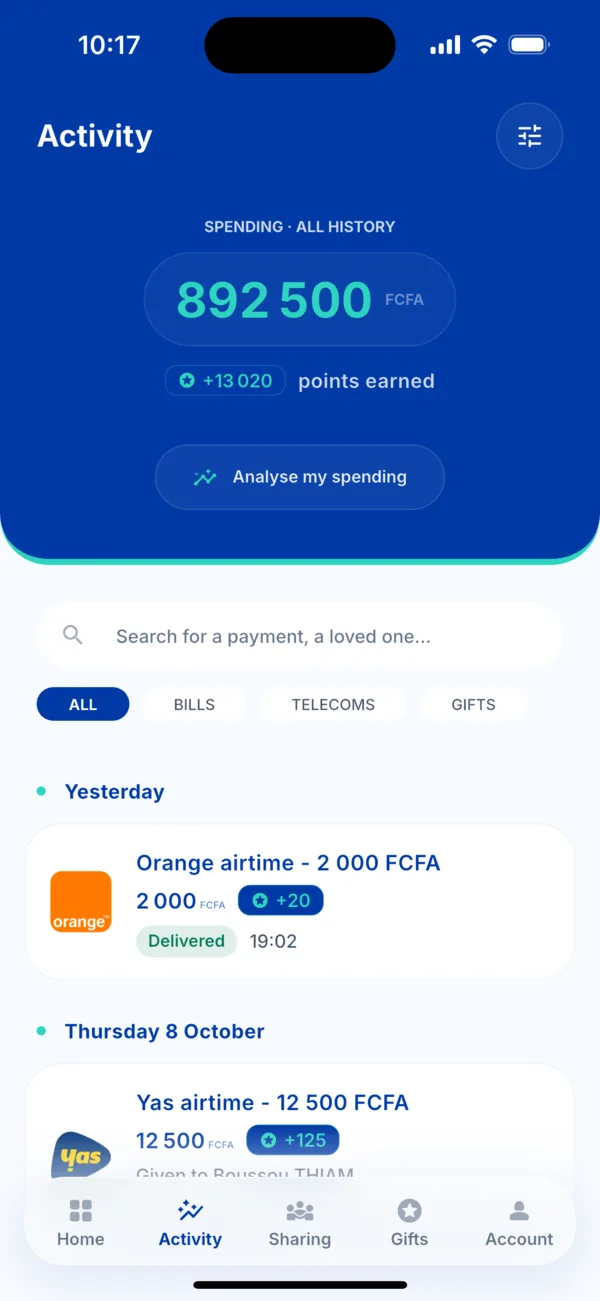 Your total spending in Activity
 -
Tap « Analyse my spending ». You can also go through Account › Spending.
-
Choose the period with the selector at the top (for example « All history »).
-
Read your habits: the total spent, the points earned and four markers.
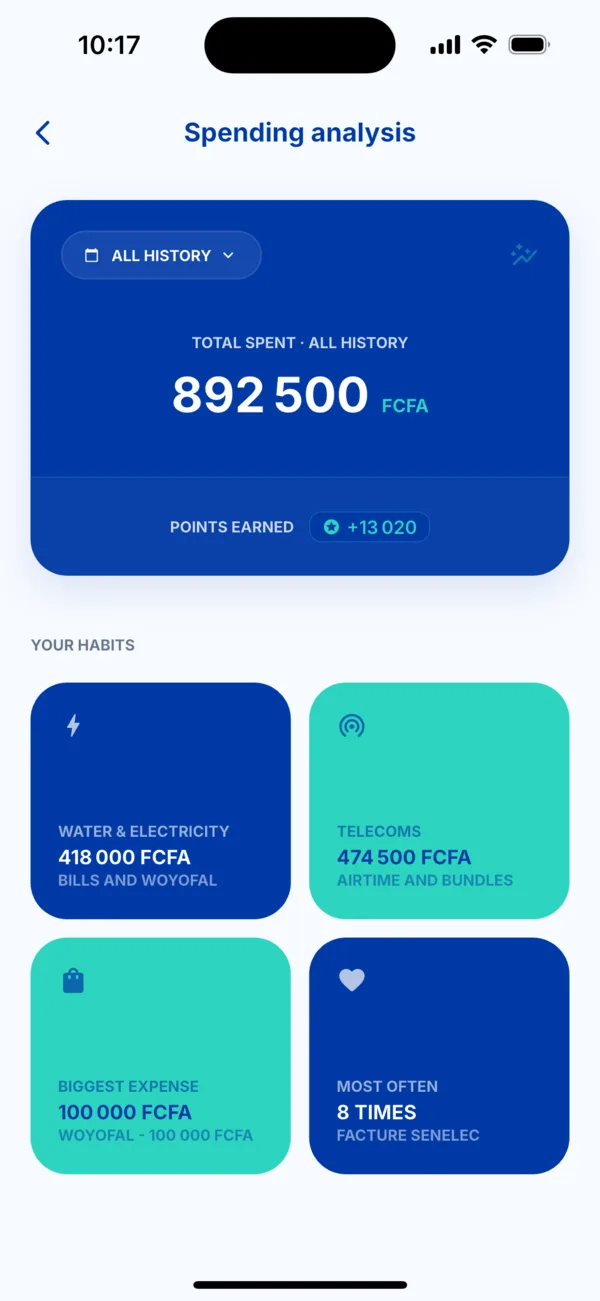 Spending analysis
What you see
- Total spent over the period, and points earned.
- Water and electricity: bills and Woyofal.
- Telecoms: airtime and bundles.
- Biggest expense of the period.
- Most often: the payment you make the most.
If the figures surprise you
Find the detail of each payment in Activity. See « Where do I find my payments? ».