Steps
-
Open the Account tab, then « Notifications ».
-
Turn each category on or off with its switch.
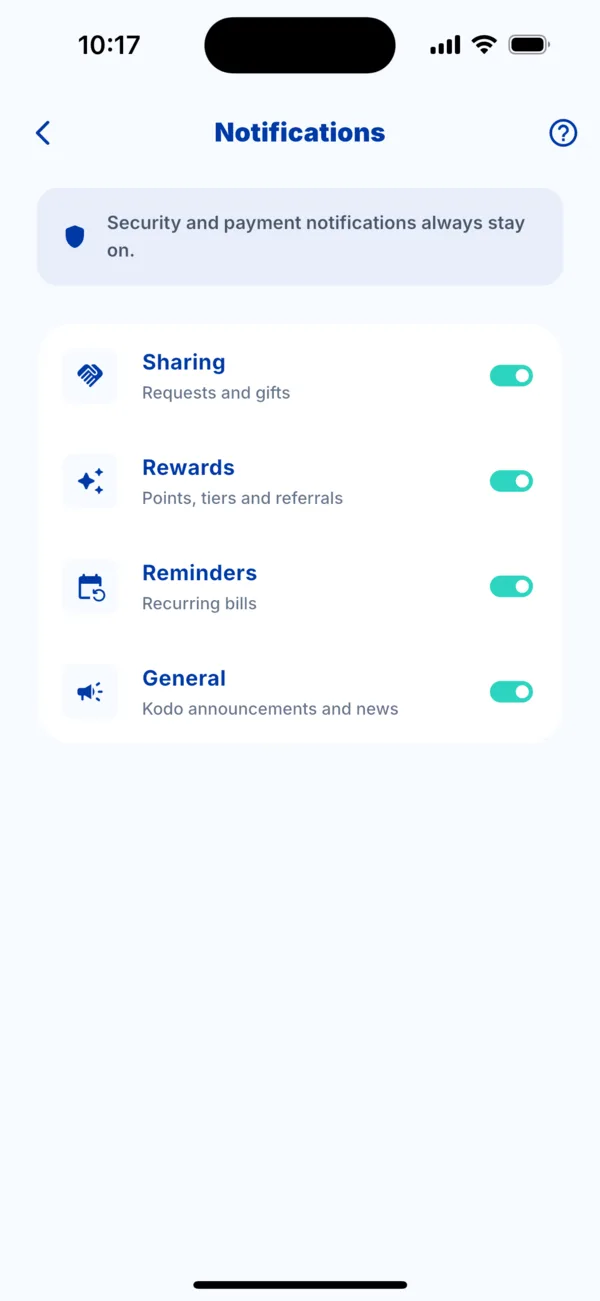 The Notifications screen
The categories
- Sharing: requests and gifts from your loved ones.
- Rewards: points, tiers and referrals.
- Reminders: your recurring bills.
- General: Kodo announcements and news.
What always stays on
Security and payment notifications cannot be turned off: they tell you when a payment is delivered or when it needs your attention.
If you receive nothing
Check that Kodo notifications are allowed in your phone's settings, and that the category you want is turned on here.