Steps
-
Open the Activity tab and tap a successful payment (a bill, a regular top-up).
-
Tap « Remind me every month », under the payment details.
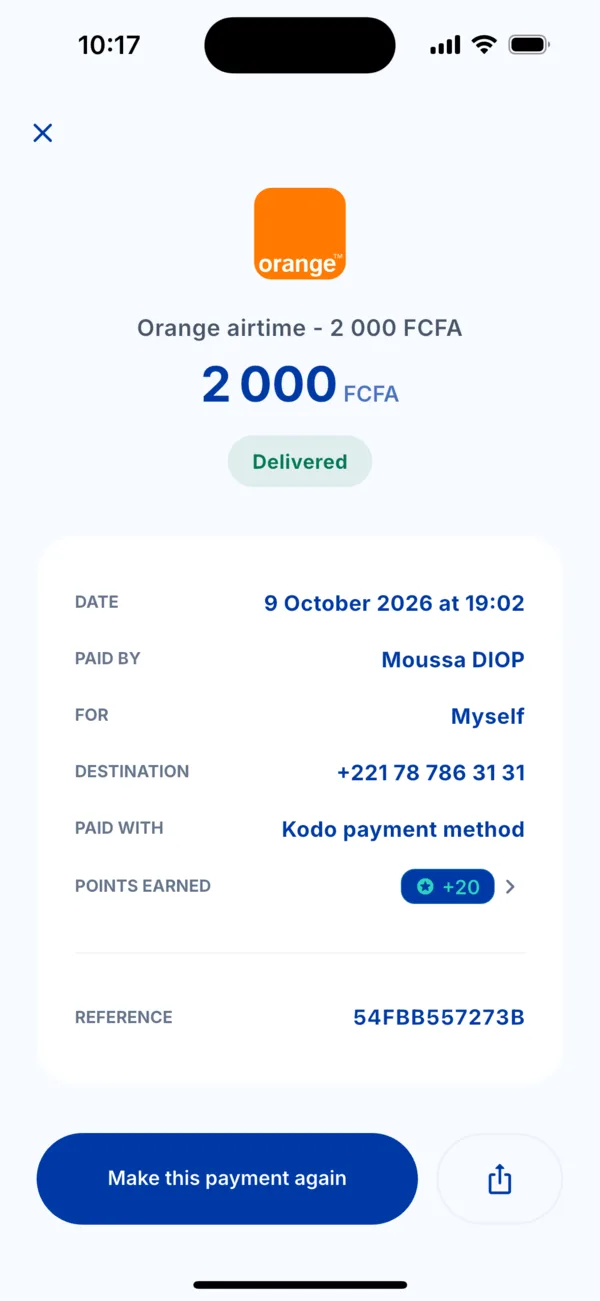 The details of a payment
 -
Choose the day of the month with « Previous day » and « Next day ». The screen shows « The … of every month ».
-
Tap « Schedule the reminder ». Kodo confirms « Reminder scheduled » with the date of the first reminder.
On the day
A notification appears. Tapping it opens the payment already prepared, ready to confirm with your secret code or Face ID. Nothing is charged without you.
See, pause or delete a reminder
Open Account › Payment reminders. You see « Next reminder on … » for each reminder. To delete one, confirm « Delete this reminder? »: you will no longer get reminders for this payment.
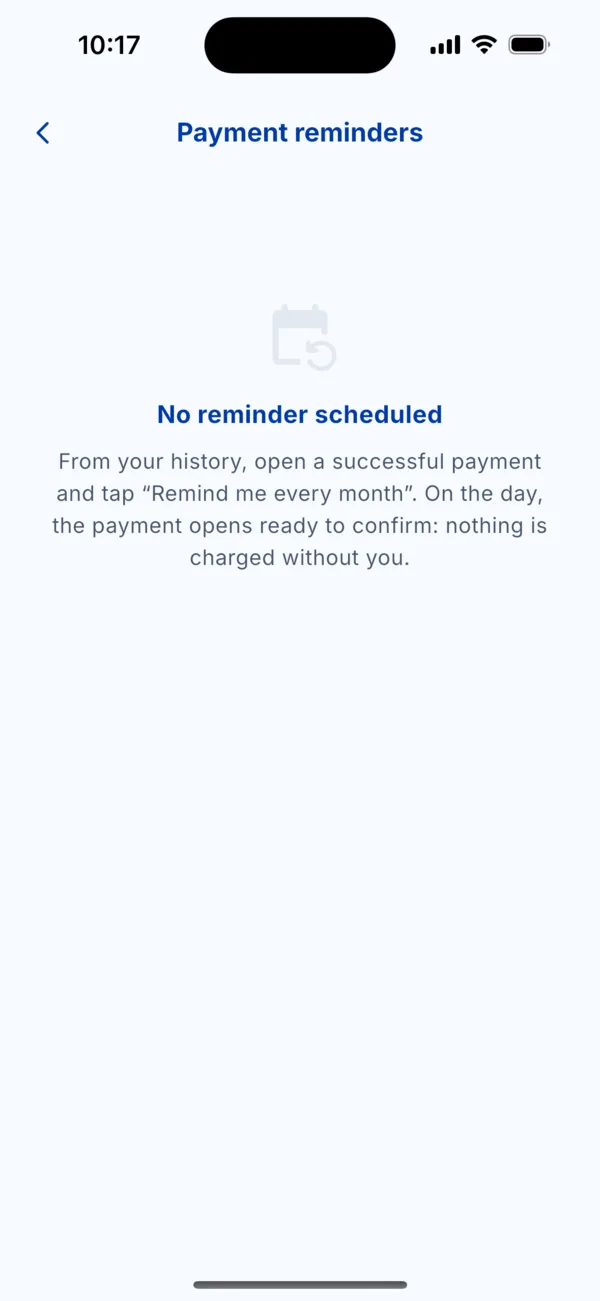 Payment reminders